
Power of Attorney & Advance Health Care Directive Notary
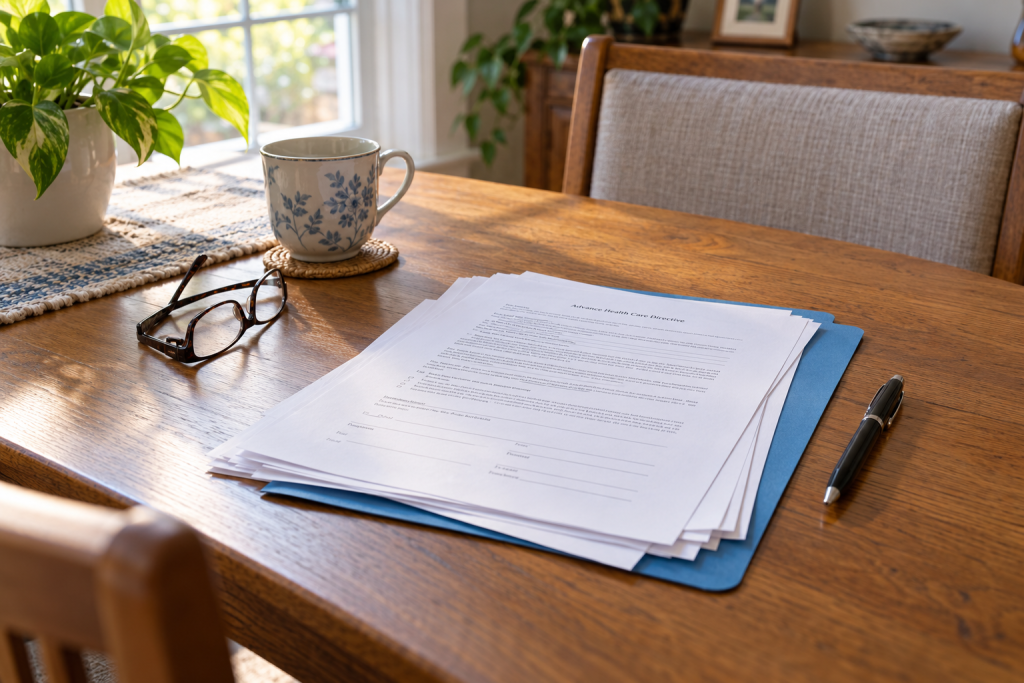
You may be preparing for surgery, organizing personal affairs, or helping a relative who cannot easily travel. If you already have a power of attorney or advance health care directive that needs notarization, Hill Sign Mobile Notary can arrange a visit to your home or another appropriate location.
I’m Greg Hill, serving Roseville, Rocklin, Lincoln, Loomis, and nearby communities. You bring the prepared paperwork; I handle the requested notarization and explain what to have ready for the appointment.
Call or text Greg at (916) 778-0011 about a visit at your home or office.
Start with the document and its instructions
A financial power of attorney and an advance health care directive address different needs. Before booking, obtain your paperwork from an attorney, the requesting institution, an official resource, or another appropriate provider. Ask that source about the document’s suitability and how it must be completed and signed.
The California Attorney General’s advance care planning resource includes information and a health care directive form. It is a useful place to learn more, but a form’s availability does not mean it fits every situation.
I do not select legal forms, prepare documents, or advise you on which powers or health care choices to include. If you are unsure what document you need or what an option means, resolve that question with an appropriate professional before the visit.
Complete the paperwork without signing too soon
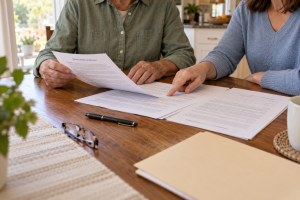
Read the document and its instructions. Complete the substantive information and choices that belong to you, and bring every page and attachment. Leave the notary’s certificate for me to complete.
If a section is confusing, ask the document provider what belongs there. Some spaces are intended for witnesses, the notary, or later use; do not fill them with guesses simply to eliminate blanks.
When should you sign?
The answer depends on the requested act and any separate execution instructions. An acknowledgment can involve a signature made earlier. A jurat requires you to sign in the notary’s presence and take an oath or affirmation.
If you are uncertain, wait to sign and contact me about the notarization procedure. Questions about your document’s legal execution requirements should go to its provider or an attorney. My acknowledgment and jurat guide explains the procedural difference.
Need the documents printed?
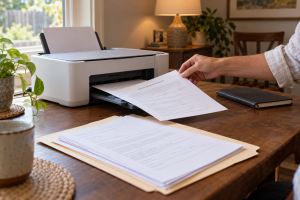
If you have the final PDF but no printer, ask about printing before the appointment. We’ll confirm the complete file, print requirements, number of copies, and any applicable fees. Printing is a convenience; it does not include choosing or completing the form for you. See current printing and service fees.
Have identification ready for each signer
Each person whose signature will be notarized needs an acceptable way to establish identity. If you are arranging the appointment for a parent or another relative, check their identification before the visit; your own ID does not replace theirs.
Review the California notary ID guide and contact me early about missing or expired ID. Any alternative identification procedure needs advance discussion.
The signer also needs to participate directly and willingly. Family members can help organize the appointment, but they cannot give the signer’s answers. Please mention communication or physical signing difficulties when scheduling so we can discuss the particular situation.

Check witness requirements before booking
Not every power of attorney or health care directive requires the same signing procedure. Confirm whether your paperwork calls for notarization, witnesses, or another formality. Notarization does not automatically replace every witness requirement.
For an ordinary written California advance health care directive, the usual execution options include acknowledgment before a notary or two qualified witnesses. The witness route has eligibility and declaration requirements; “any two adults” is not a sufficient rule to follow.
Hill Sign does not provide, recruit, or arrange witnesses. You or your attorney must arrange any witnesses required for your document or signing procedure.
A special rule for skilled nursing facilities
If a person is a patient in a skilled nursing facility when a written advance health care directive is executed, California requires a designated patient advocate or ombudsman to sign as a witness, even if the directive is notarized.
Before booking, work with the facility and the appropriate advocate or ombudsman program to confirm and arrange this requirement. A regular staff member is not automatically a substitute. This rule concerns the particular document and setting; it should not be assumed to apply to every document or every care residence.
The official California health care directive form includes the special witness section. For access and scheduling at a facility, see Hospital & Bedside Notary Services.
Preparing for a home appointment
Choose a comfortable place with adequate light and a surface for the paperwork. Have the complete document, identification, instructions, and any required witnesses ready. Glasses, hearing aids, and the signer’s usual communication supports can help make the visit easier.
When you contact me, share the location, number of signers, preferred time, any deadline, and any printing or access needs. If you are scheduling for someone else, make sure they know about the appointment and want to proceed.
Before we finish, confirm who will keep the originals. Ask the document provider about copies, delivery to institutions, or other steps that may follow.
What notarization does—and doesn't do
My role is to verify identity, carry out the requested notarial act, and complete the required notarial records and certificate. Notarization does not establish that a document meets your legal needs, gives the intended authority, or will be accepted for every purpose.
For an attorney-prepared estate plan package, see Mobile Notary for Estate Plan Signings for office coordination and document-handling arrangements.
Common questions
Do I need an attorney to book a notary appointment?
You do not need an attorney simply to arrange an appointment. You do need prepared paperwork and clear instructions. An attorney can advise you about suitability and legal questions that I cannot answer.
Can I book for a relative who cannot travel?
Yes. Tell me where the signing will take place and any practical needs. The relative whose signature is being notarized must still participate personally and willingly.
What if the document is already signed?
Tell me before the visit. An earlier signature is not necessarily a problem for an acknowledgment, but the procedure for a jurat is different. Separate witness requirements also need to be followed.
Can you help if the signer cannot hold a pen?
Contact me before booking. We can discuss whether an appropriate signing procedure is possible and what arrangements it requires. Physical signing difficulties cannot be resolved by simply having someone else sign the person’s name.
Do I need witnesses if the directive is notarized?
For an ordinary written AHCD, notarization and qualified witnesses are generally alternative routes. The skilled-nursing-facility requirement above is an additional protection. Confirm your document’s instructions and circumstances before the appointment.
Can you notarize my will instead of using witnesses?
Notarization does not replace legally required witnesses or automatically make a will valid. However, if your will includes a separate affidavit that requires notarization, I may be able to notarize the appropriate signatures. Before scheduling, check with a California estate-planning attorney to confirm your will’s signing and witness requirements.
Arrange your appointment
Have your documents ready and contact me with the signing location and preferred time. We’ll confirm availability, the quote, and any preparation or printing arrangements. You can review current service fees before booking.
Call or text Greg at (916) 778-0011 to arrange a visit at your home or office. Prefer email? Reach me at greg@hillsign.us.